How to Sell SVG Files on Etsy: Step-by-Step Guide for Cricut Designs (2026)

Free Etsy Course, Lesson 14 of 34 · Module 3: Making Digital Products · See all lessons
SVG cut files are a favorite digital product for crafters. Buyers use them with cutting machines like Cricut and Silhouette to make shirts, mugs, signs, and stickers. You design once and sell the file again and again.
But there is a catch that trips up a lot of new sellers: Etsy does not list .svg as a supported upload type. If you try to upload a plain SVG, you will run into trouble. The fix is simple once you know it.
This lesson walks you through selling SVG files on Etsy step by step: which file formats to include, how to package them for Etsy, what buyers need to know about their software, and the rules to follow. Sources are Etsy’s Help Center, Cricut Help, and Silhouette America, checked in October 2026.
How Do You Sell SVG Files on Etsy?
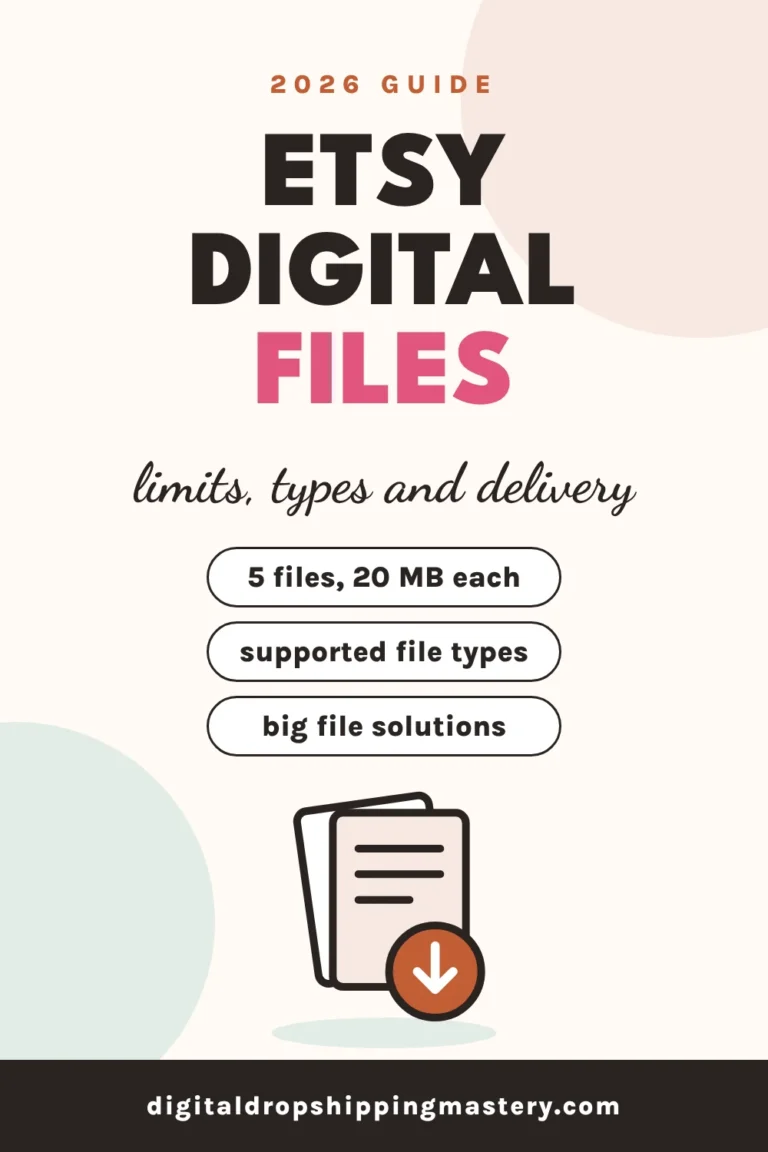
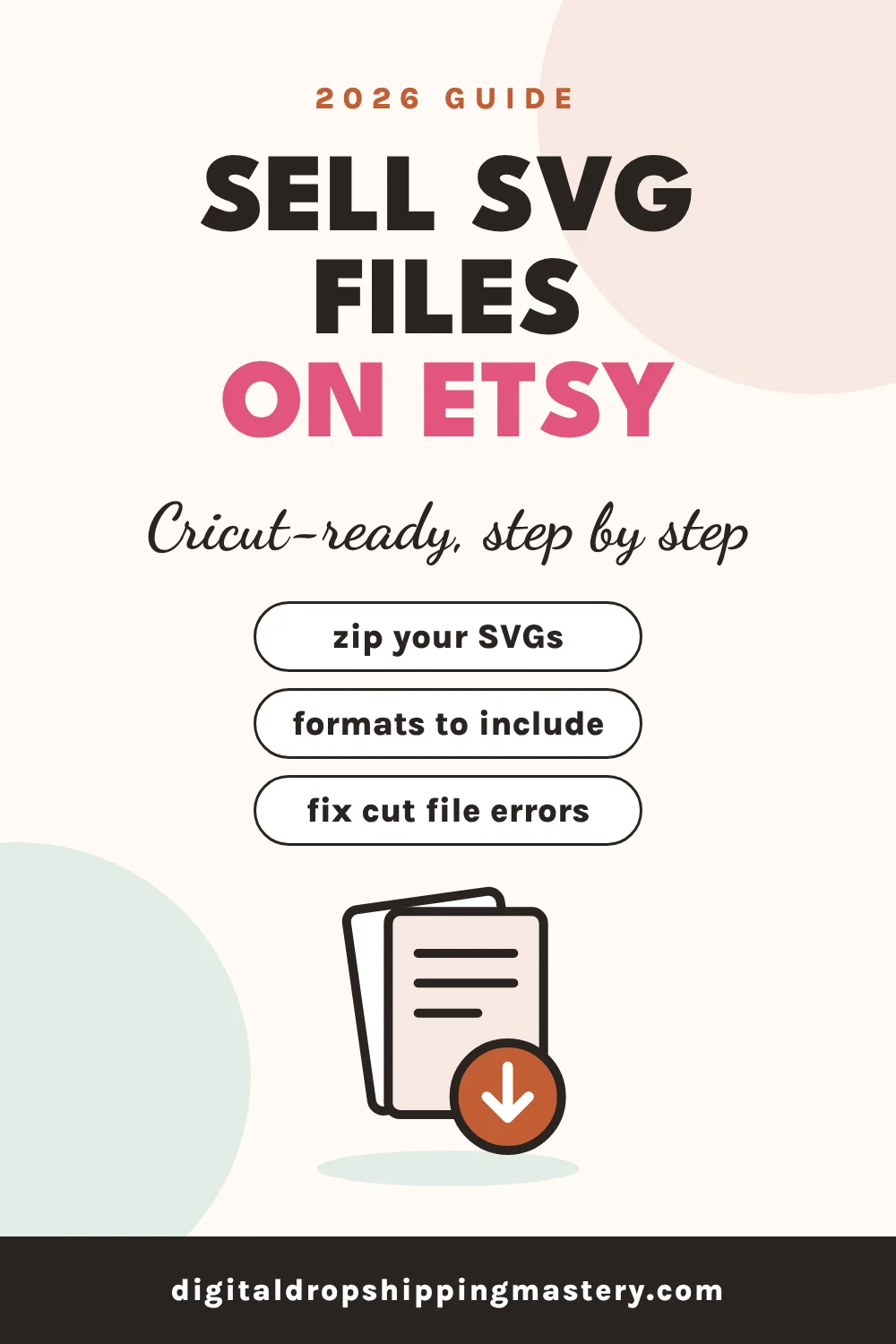
Create your design as a clean vector, export it as SVG plus common extras like DXF, PNG, and EPS, then put the files in a .zip file, because .svg is not on Etsy’s list of supported upload types. Upload up to 5 files per listing, each up to 20 MB, as a digital listing, and explain in your description which machines and software the files work with.
Why You Need to Zip SVG Files for Etsy
Etsy’s Help Center lists these supported file types for digital listings:
.bmp, .doc, .gif, .jpeg, .jpg, .mobi, .mov, .mp3, .mpeg, .pdf, .png, .psp, .rtf, .stl, .txt, .zip, .ePUB, and .iBook
.svg is not on the list, but .zip is. So sellers put SVG files inside a .zip. Check your files with our free Etsy digital file checker.
Which File Formats to Include
Different buyers use different software, so many sellers include several formats of the same design:
| Format | Why buyers want it |
|---|---|
| SVG | The main vector cut file. Cricut Design Space accepts SVG uploads |
| DXF | A vector format Cricut Design Space also accepts. Useful for other cutting software too |
| PNG | A raster image with a transparent background, for printing, sublimation, or simple cuts |
| EPS | A vector format used in many design programs |
Know the software limits so you can tell buyers:
- Cricut Design Space accepts .svg and .dxf vector files, plus basic images like .jpg, .png, .bmp, and .gif. Cricut says DXF files are not supported in its iOS and Android apps.
- Silhouette Studio needs the Designer Edition or above to open SVG files, according to Silhouette America. That is why many sellers also include DXF or PNG.
How to Make Cut-Ready SVG Files
A messy file gives buyers errors. Cricut’s Help Center says files can show “unsupported items” if they contain pattern fills, clipping paths, editable text, linked images, or embedded non-vector images. Before you export:
- Convert all text to outlines.
- Flatten clipping paths into single shapes.
- Embed or remove linked images.
- Avoid pattern fills. Use solid colors for each layer.
- Group layers by color, since Design Space uses colors to split a design into layers.
Our free SVG cut file checker scans your file for these problems in your browser. Then test your file by uploading it to Cricut Design Space yourself before you sell it.
How to Sell SVG Files on Etsy Step by Step
- Pick a niche. “SVG” is broad. Try specific themes like teacher appreciation, pet lovers, or a holiday. See Etsy niche research.
- Design an original vector. Use Illustrator, Inkscape, Affinity, or similar. Only use fonts and graphics with a commercial license. See Canva commercial use.
- Clean the file using the checklist above.
- Export SVG, DXF, PNG, and EPS versions.
- Zip the files. Many sellers put all formats in one .zip per design, or one .zip per format for bundles.
- Keep each file under 20 MB and name it clearly, like “Teacher-Apple-SVG-Bundle.zip”. Etsy file names cannot be changed after upload.
- Create mockups that show the design on a real product, like a shirt or mug, plus an image listing the included formats.
- Create a digital listing and upload up to 5 files.
- Write your title and tags with the theme plus “SVG,” “Cricut,” and “cut file.” See Etsy titles and tags.
- Explain compatibility and license terms in your description.
What to Include in Your SVG Listing Description
- Included formats: SVG, DXF, PNG, EPS
- Files come in a .zip that must be unzipped before uploading
- Works with Cricut Design Space; Silhouette Studio Designer Edition or above to open SVG
- This is a digital download. No physical item will be shipped
- Your license terms, such as personal use only or small business use with limits
Etsy Rules for SVG Sellers
- Original designs only. No characters, logos, sports teams, or brand names you do not own. See Etsy copyright and trademark.
- Disclose AI use if you used AI tools in your design.
- Accurate photos. Mockups must show what the buyer actually receives.
Common Mistakes When Selling SVG Files
Uploading a plain .svg. Zip it.
Leaving text editable. Convert to outlines so the font does not change on the buyer’s computer.
Not testing the file. Upload it to Cricut Design Space before you list.
Skipping DXF and PNG. Silhouette Studio Basic users cannot open SVG.
Using licensed characters. Stick to original designs.
Key Takeaways
- .svg is not a supported Etsy upload type, but .zip is. Zip your SVG files.
- Include SVG, DXF, PNG, and EPS so buyers with any software can use the design.
- Cricut Design Space accepts SVG and DXF; Silhouette needs Designer Edition to open SVG.
- Clean your files: outline text, flatten clipping paths, use solid colors.
- Sell only original designs and explain compatibility clearly.
Frequently Asked Questions
Can you sell SVG files on Etsy?
Yes. Since .svg is not on Etsy’s list of supported upload types, sellers put SVG files into a .zip file, which Etsy supports.
What file types should an SVG bundle include?
Many sellers include SVG, DXF, PNG, and EPS versions so the design works across Cricut, Silhouette, and other software.
Why won’t an SVG open in Silhouette Studio?
Silhouette America says you need Silhouette Studio Designer Edition or above to open SVG files. Buyers with the free Basic Edition can use the DXF or PNG version instead.
Can I sell SVGs of famous characters on Etsy?
Not unless you have a license. Characters and logos are protected, and rights owners can report listings to Etsy, which removes them.
Final Thoughts
Selling SVG files on Etsy is straightforward once your files are clean, zipped, and include the formats buyers need. Pick a specific niche, design originals, test your cuts, and explain compatibility clearly.
Next, check our free SVG cut file checker and learn more about Etsy digital download files, or explore the free Etsy course.
You finished: Free Etsy Course, Lesson 14 of 34
Keep going step by step. Each lesson builds on the last one.